
Client details
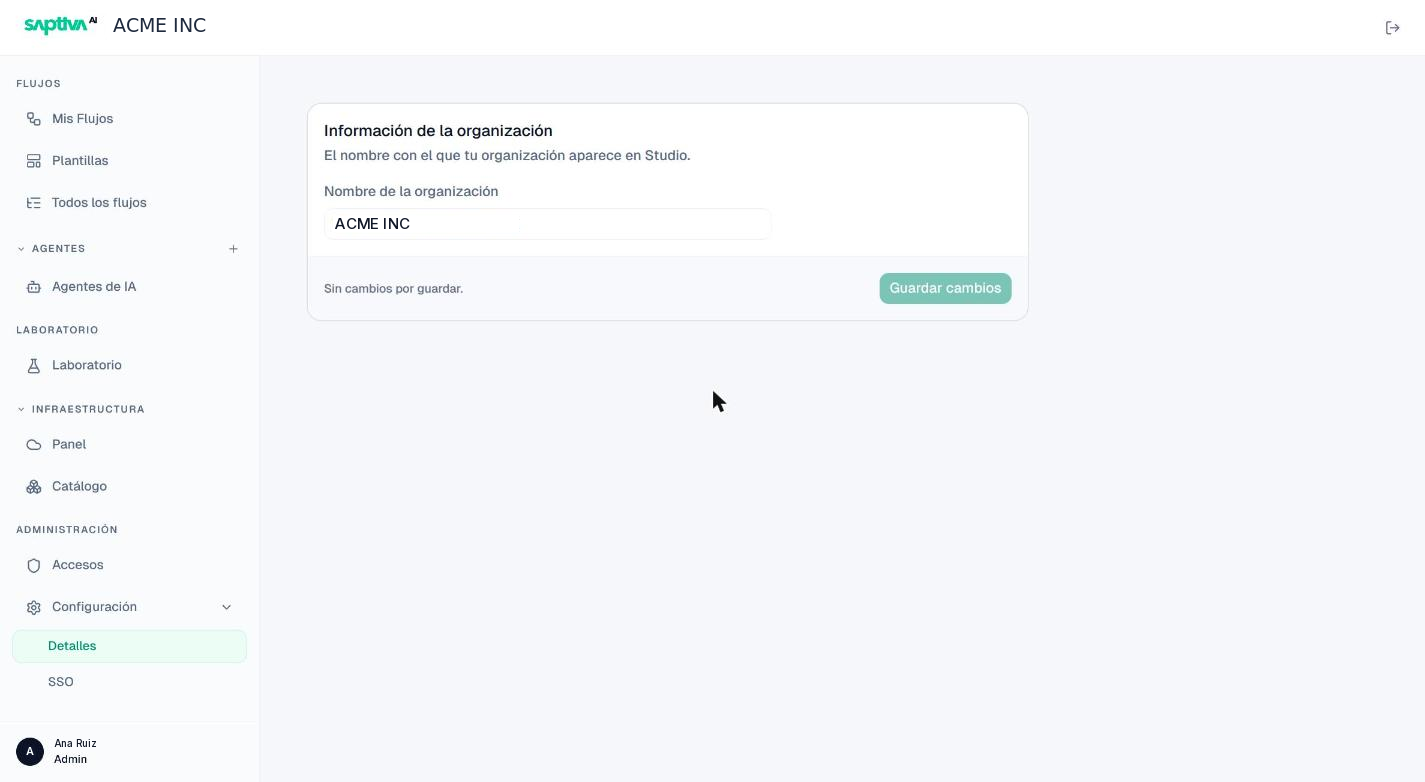
Administración > Configuración > Detalles (Administration > Settings > Details) shows the organization's information. Today it contains a single field: Nombre de la organización (Organization name), which is the name that appears in the Studio top bar for all members.
Steps
- Type the new name.
- Click Guardar cambios (Save changes). The button stays disabled while there are no changes.
The Client's internal identifier (the one that appears in the URL) does not change when you rename it.