
Experiments
An experiment runs your training script several times with different hyperparameters and records the metrics of each attempt (trial). At the end it reports the best combination.
What you need
- A training script that prints its metrics to standard output in
nombre=valorformat, for exampleepoch=3 loss=0.21. - A range per hyperparameter (learning rate, batch size, etc.).
Respect the GPU
With one GPU in the size, configure the trials to run one at a time (parallelTrialCount: 1). If you request more, the others wait in the queue; they do not fail, but you do not save time either.
A minimal experiment
apiVersion: kubeflow.org/v1beta1
kind: Experiment
metadata:
  name: lr-fugas
spec:
  objective:
    type: minimize
    objectiveMetricName: loss
  algorithm:
    algorithmName: random
  parallelTrialCount: 1
  maxTrialCount: 3
  parameters:
    - name: lr
      parameterType: double
      feasibleSpace: { min: "0.001", max: "0.1" }
  trialTemplate:
    primaryContainerName: training
    trialParameters:
      - { name: learningRate, reference: lr }
    trialSpec:
      apiVersion: batch/v1
      kind: Job
      spec:
        template:
          spec:
            restartPolicy: Never
            containers:
              - name: training
                image: pytorch/pytorch:2.3.0-cuda12.1-cudnn8-runtime
                command: ["python", "/workspace/train.py", "--lr", "${trialParameters.learningRate}"]
                resources: { limits: { nvidia.com/gpu: 1 } }
In the lab panel, Katib Experiments lists each experiment with its succeeded, running and failed trials, and the Optimal trial with the best value of the objective metric. When you open an experiment you see each trial with its parameters and metrics.
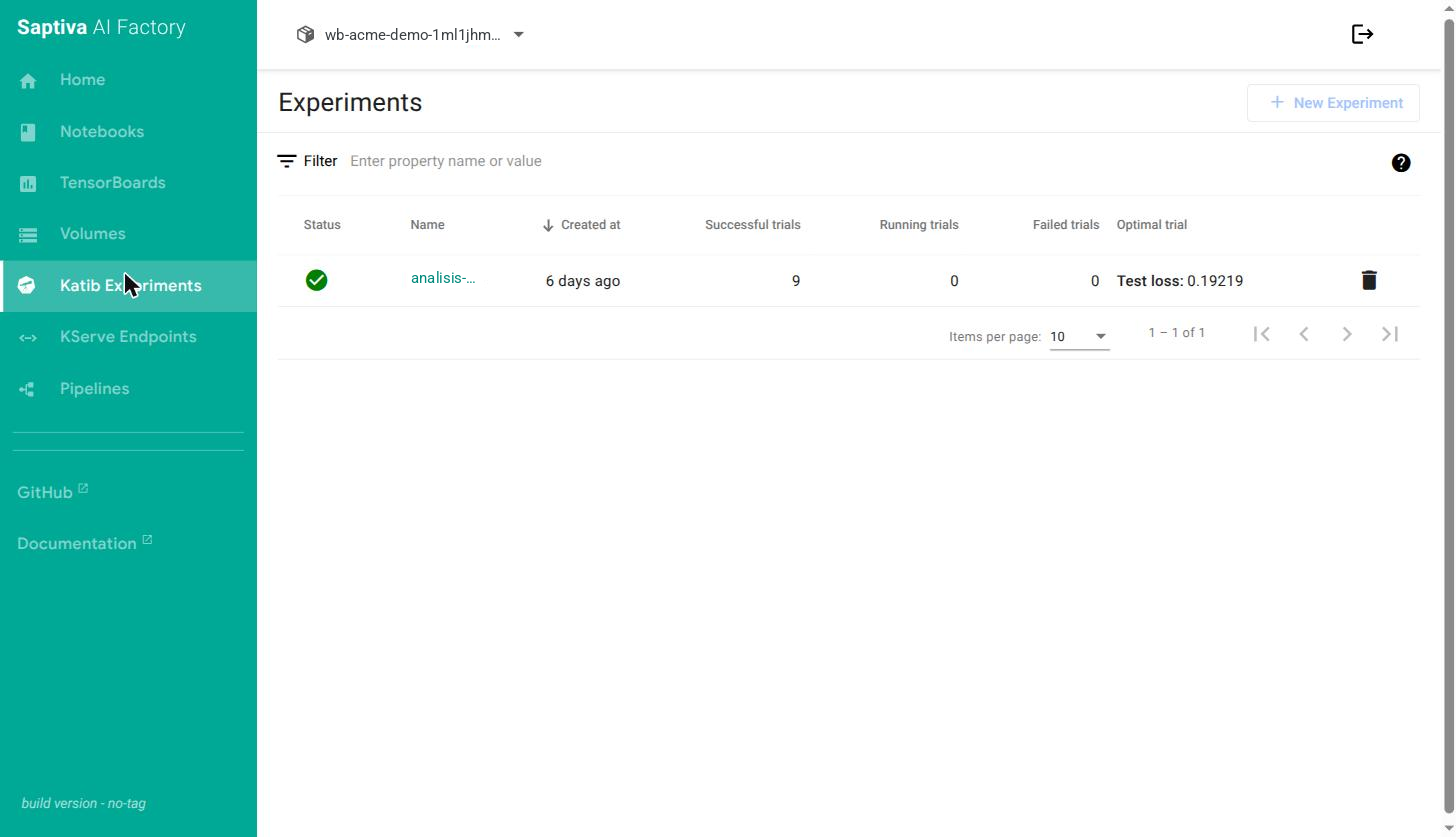
New Experiment opens a wizard to create the experiment without writing YAML; the file above is the equivalent to apply from the notebook.
Full reference in the Katib documentation.