
Pipelines
A pipeline is a sequence of steps, each in its own container, with recorded inputs and outputs. Unlike a notebook, it leaves a history: what ran, with which parameters, what it produced.
When to move from notebook to pipeline
When you run the same process more than twice, when you need to compare runs, or when the work must be queued and run without you being connected.
A minimal pipeline
You write it in Python with the Kubeflow Pipelines SDK (KFP v2). Example with two steps: generate a dataset and analyze it.
from kfp import dsl

@dsl.component(base_image="python:3.11-slim")
def generar(salida: dsl.Output[dsl.Dataset]):
    import csv, random
    with open(salida.path, "w") as f:
        w = csv.writer(f); w.writerow(["presion", "flujo"])
        for _ in range(1000): w.writerow([random.gauss(5, 1), random.gauss(10, 2)])

@dsl.component(base_image="python:3.11-slim")
def analizar(entrada: dsl.Input[dsl.Dataset], metricas: dsl.Output[dsl.Metrics]):
    import csv
    filas = list(csv.DictReader(open(entrada.path)))
    anomalias = sum(1 for r in filas if float(r["presion"]) < 3)
    metricas.log_metric("lecturas", len(filas))
    metricas.log_metric("anomalias", anomalias)

@dsl.pipeline(name="sensores")
def pipeline():
    analizar(entrada=generar().outputs["salida"])
Compile and upload from the lab notebook (the SDK already knows your session):
from kfp import compiler, Client
compiler.Compiler().compile(pipeline, "sensores.yaml")
Client().create_run_from_pipeline_package("sensores.yaml", arguments={})
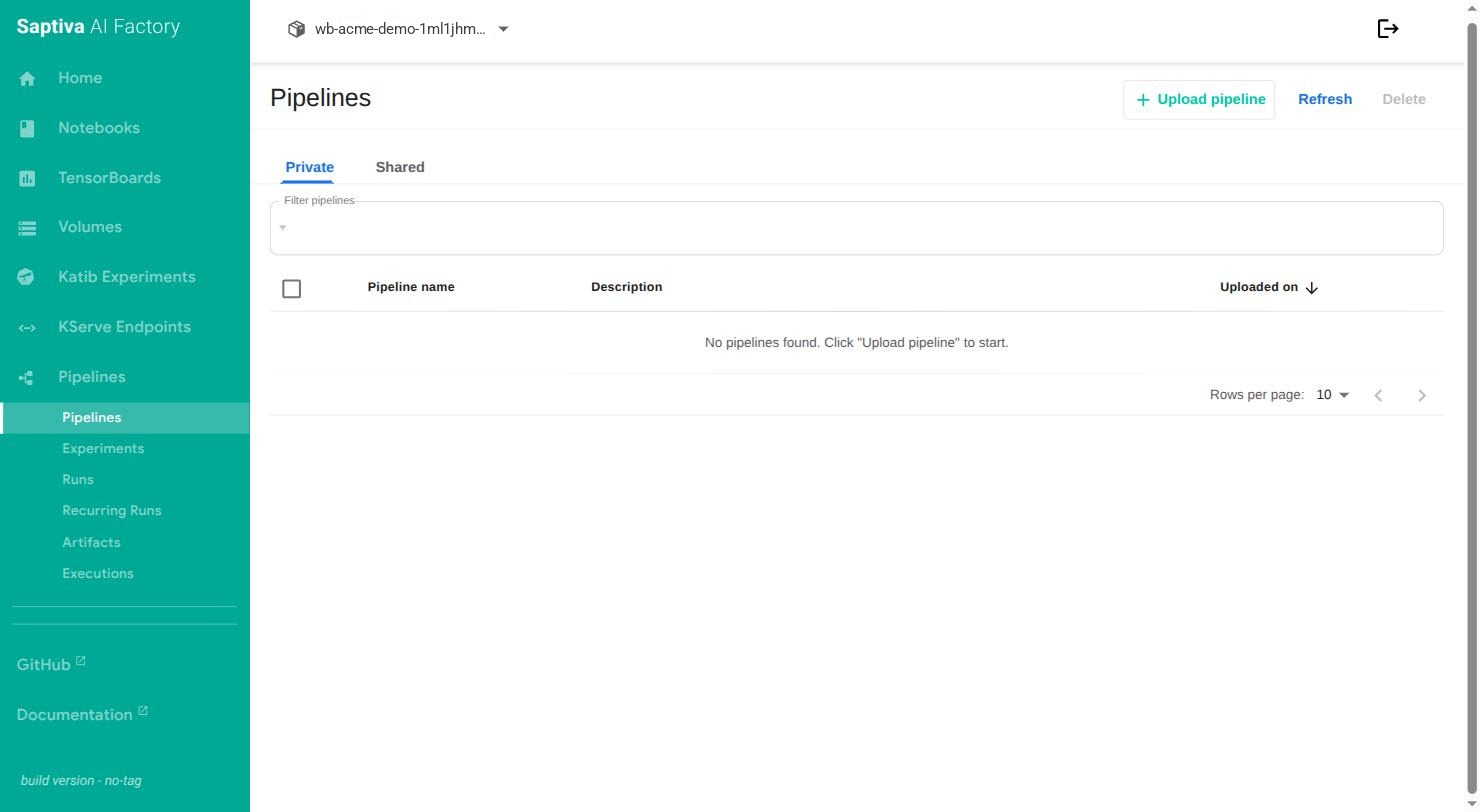
The Pipelines menu in the panel
| Entry | What it is |
|---|---|
| Pipelines | Uploaded definitions. Private tab (only your lab) and Shared tab (visible to the whole Client). Upload pipeline uploads a compiled file. |
| Experiments | Groups of runs, to compare them. |
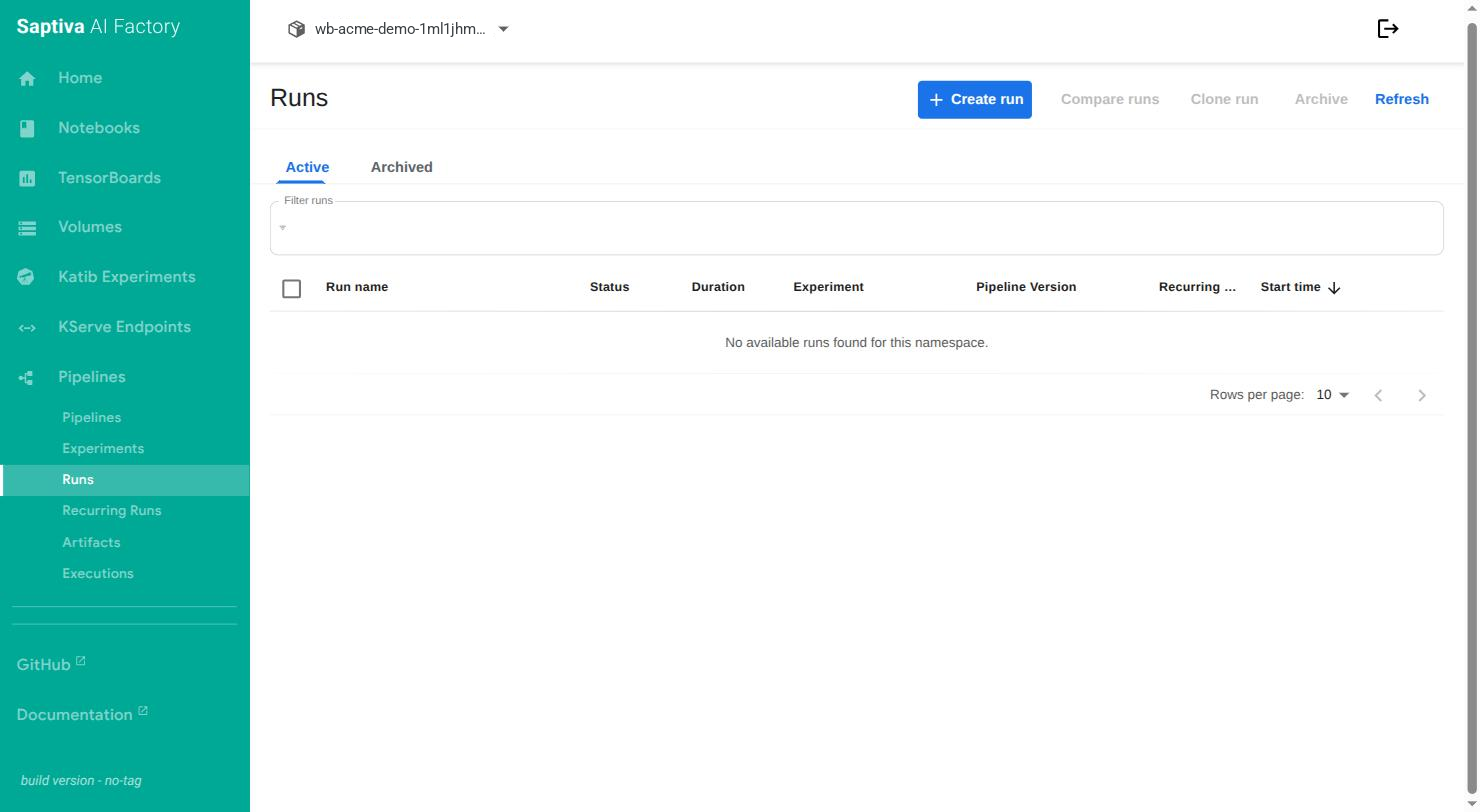
| Runs | Each run, with status, duration, experiment and pipeline version. Create run, Compare runs, Clone run, Archive. |
| Recurring Runs | Scheduled runs (every hour, every day). |
| Artifacts | Datasets, models and metrics that each step produced. |
| Executions | Each executed step, with its inputs and outputs. |
View results
In Runs, each run shows the graph, the logs per step, the artifacts and the recorded metrics. You can archive a finished run to remove it from the list without losing it.
Data that should not go in a pipeline
What you upload in the Shared tab, and the names, parameters, metrics and artifacts of any pipeline, are visible to other users of the pipelines platform. Do not put confidential data there; keep it on the lab disk and pass it by reference.
For the full SDK syntax, see the Kubeflow Pipelines documentation.