
Runs and traces
Each time a published workflow receives an input, a run is created with a status and a source. The status is En cola (Queued), Corriendo (Running), Pausado (Paused), Completado (Completed), Fallido (Failed), or Cancelado (Canceled); the source is Webhook, WhatsApp, Agents, or Prueba interna (Internal test).
Conversations
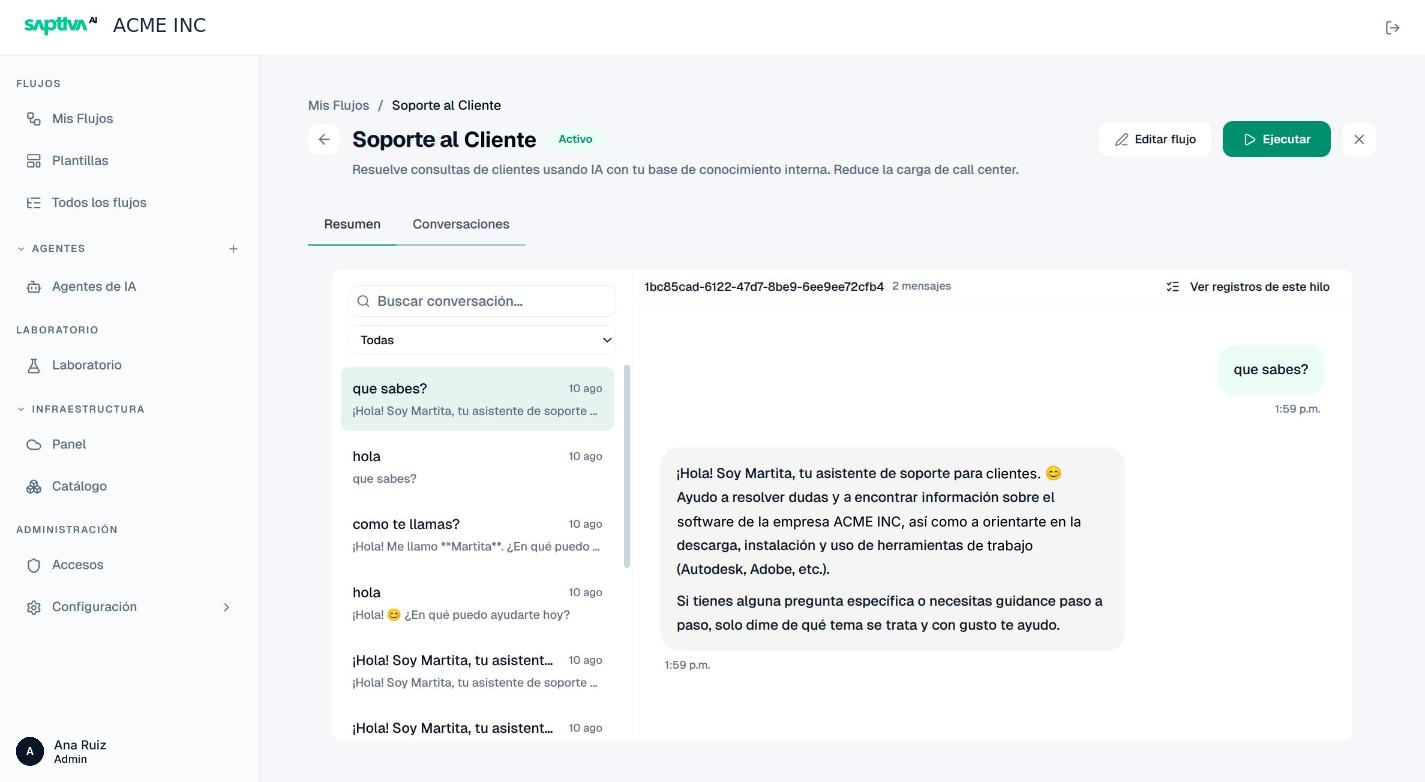
In the workflow details, Conversaciones (Conversations) shows each thread with its messages, the number of messages, and the Ver registros de este hilo (View logs for this thread) link, which jumps to its runs. It is the view for reading what the workflow answered a person.
Logs
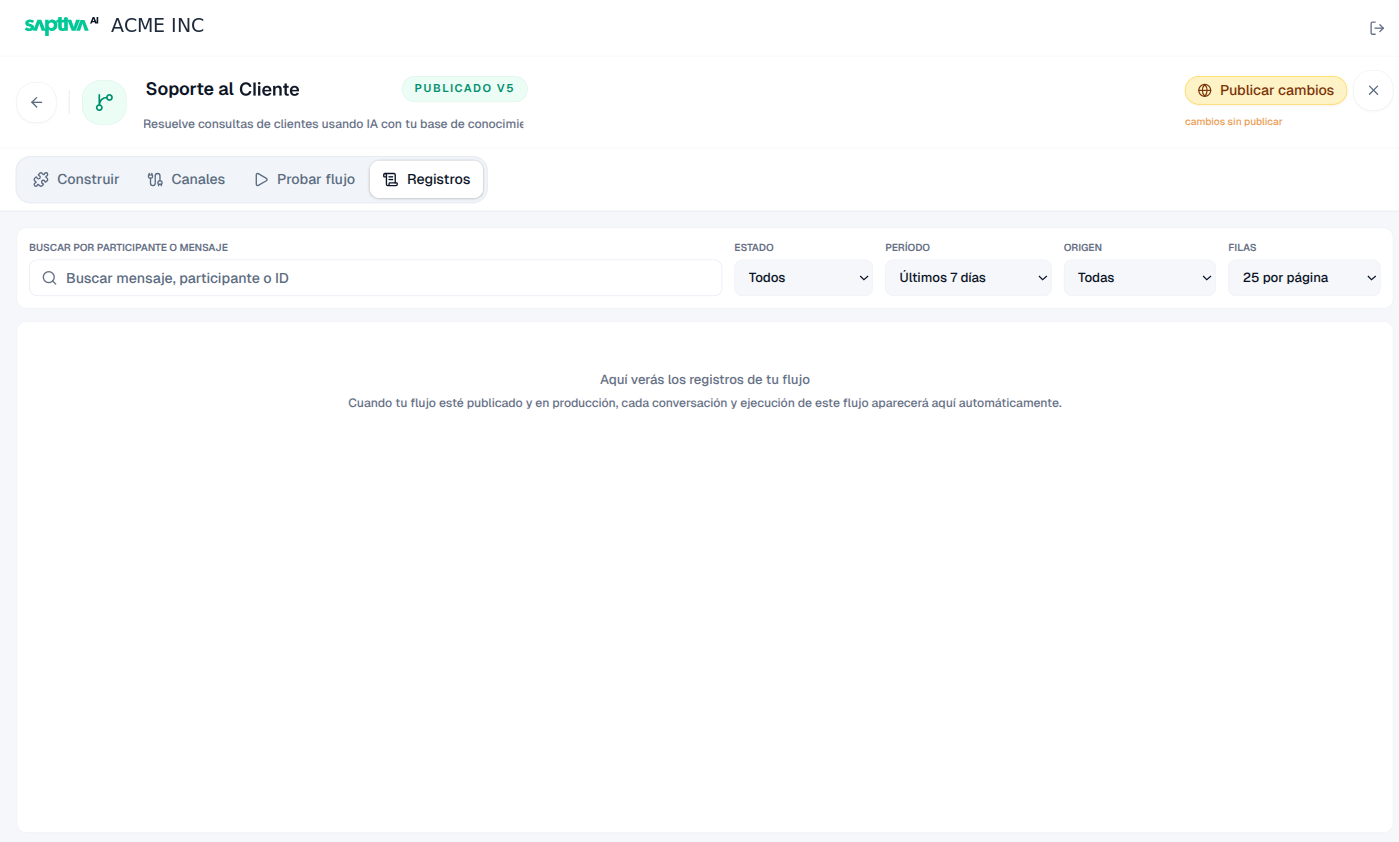
The editor's Registros (Logs) tab lists conversations and runs in production. Available filters:
| Filter | Values |
|---|---|
| Buscar por participante o mensaje (Search by participant or message) | Free text; it also accepts a run ID. |
| Estado (Status) | Todos (All), Éxito (Success), Parciales (Partial), Error. |
| Período (Period) | Hoy (Today), Últimas 24 h (Last 24 h), Últimos 7 días (Last 7 days), Últimos 30 días (Last 30 days), Todo el tiempo (All time). |
| Origen (Source) | Todas (All), Webhook, WhatsApp, Agents, Prueba interna. The rows can also show API, Manual, and Invocado por agente (Invoked by agent), depending on how each run was triggered. |
| Filas (Rows) | 25, 50, or 100 per page. |
Each row is a run of the workflow: the user's input, the response, and the nodes that ran. Agrupar por participante (Group by participant) groups the runs from the same person or system; Copiar ID (Copy ID) copies the identifier so you can cite it in a report.
An unpublished workflow does not generate logs: the tab shows "Aquí verás los registros de tu flujo" (Your workflow's logs will appear here) until the first run in production.
Read a run
When you open a run:
- Timeline: the nodes in order, with the duration of each one. Use it to see where the time went.
- Traza (Trace): detailed events (node started and completed, tool calls, model invocations with their tokens, errors with the node and the affected resource).
- Payload: the input as it arrived and the output as it was sent.
Actions: Cancelar ejecución (Cancel run) while it is running, Reintentar (Retry) when it fails. Retrying creates a new run with the same input; the failed run is kept.
What to look for when something fails
- Filter by Error and the period of the report.
- Open the most recent run and read the Traza from the first error event: it names the node and, if applicable, the credential or model that was missing.
- Compare the input Payload with what the workflow expected. Most "partial" failures are inputs with a different format from the one used in testing.