
Templates
Flujos > Plantillas (Workflows > Templates) lists prebuilt workflows by use case. Filter by category, Todos (All), Soporte (Support), Compliance, or Conciliación (Reconciliation), and click Usar plantilla (Use template): Studio creates your own copy, as a draft, that you can modify without affecting the template.
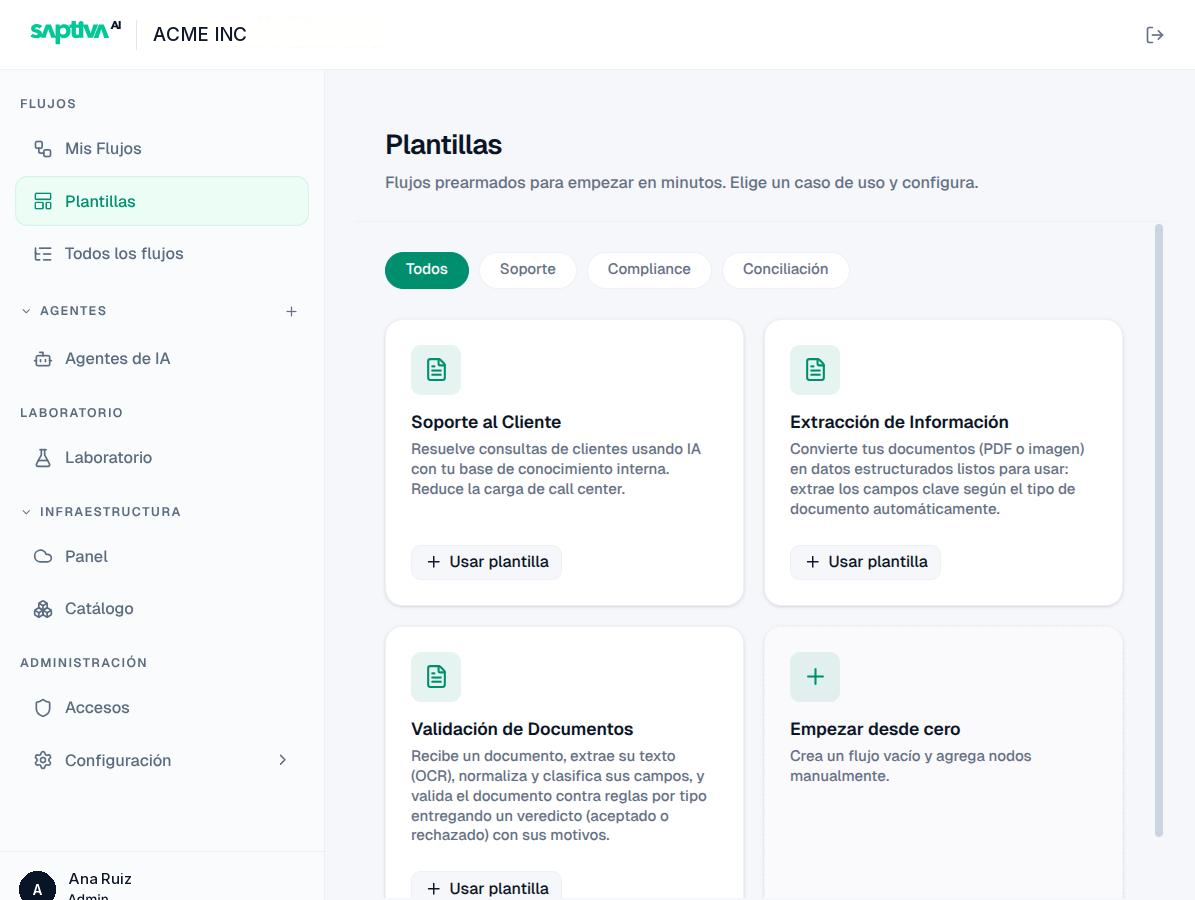
| Template | Category | What it solves | What it includes |
|---|---|---|---|
| Soporte al Cliente (Customer support) | Soporte | Answers queries with your internal knowledge base to reduce the load on the service center. | Input, a support agent with Sources, and output. Upload your documents to the agent's Sources and connect a channel. |
| Extracción de Información (Information extraction) | Compliance | Turns documents (PDF or image) into structured data: it extracts the key fields according to the document type. | File input, reading and extraction nodes, JSON output. |
| Validación de Documentos (Document validation) | Conciliación | Receives a document, extracts its text (OCR), normalizes and classifies its fields, and validates it against rules per type. It delivers a verdict (accepted or rejected) with reasons. | File input, Validación de Documentos and Diccionario de Campos (Field dictionary) nodes, output with a verdict. |
| Empezar desde cero (Start from scratch) | Empty workflow. | Only Agents input and Agents output. |
After you use a template, review in this order: the agent's instructions (change the business context), the Fuentes (Sources), the model, and finally the Canales (Channels) tab.
Your installation publishes the template catalog; the names can vary between versions.